Add the job and the problem.
Record the order reference, the missing parts and what your team knows so far.
See how suppliers, purchasing, product changes, quality issues and everyday work fit together. Each product has a focused tour and a path into the NIV workspace.
These screenshots show what happens after example records are added to NIV. Choose a screen to see what your team would read and update.
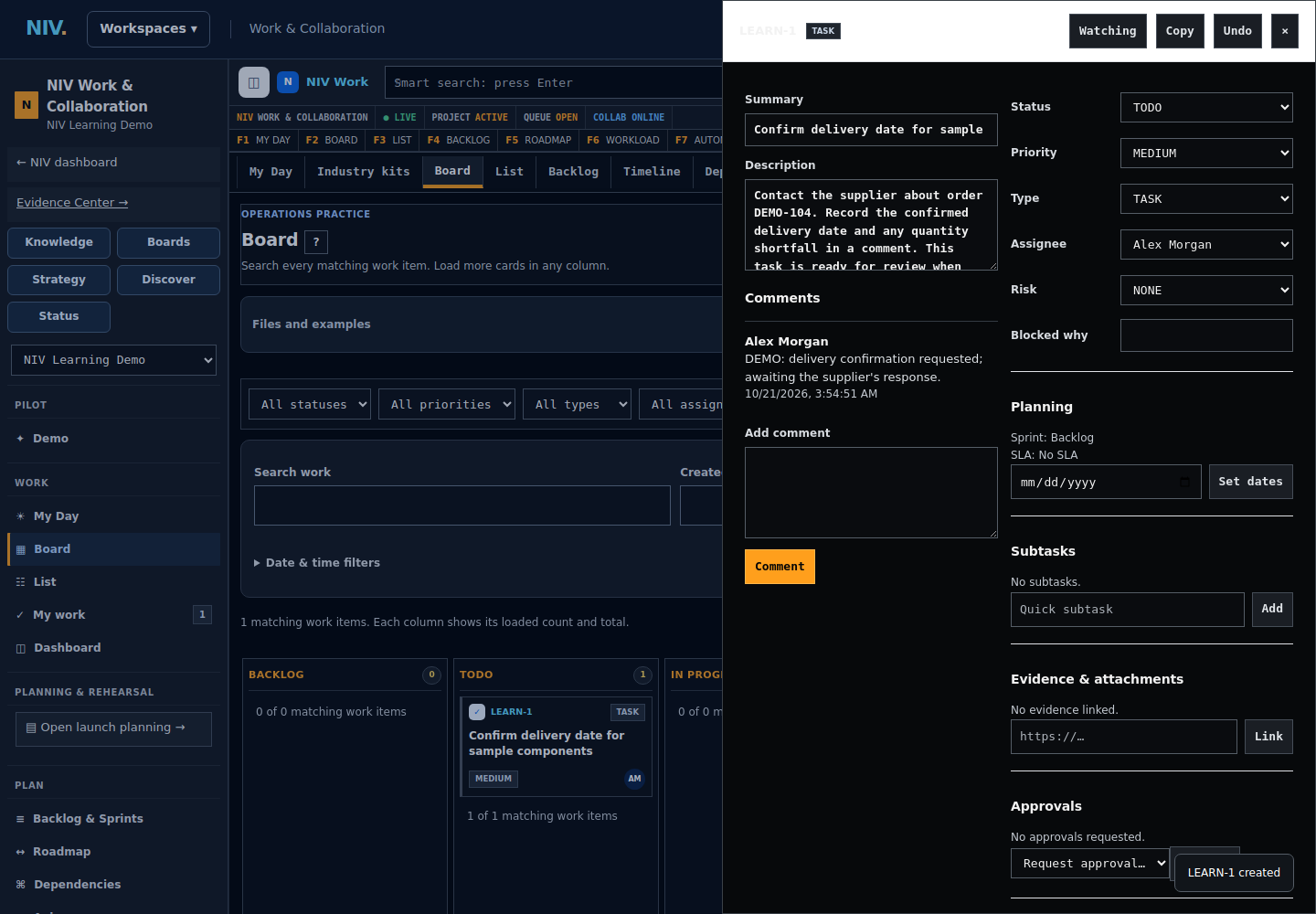
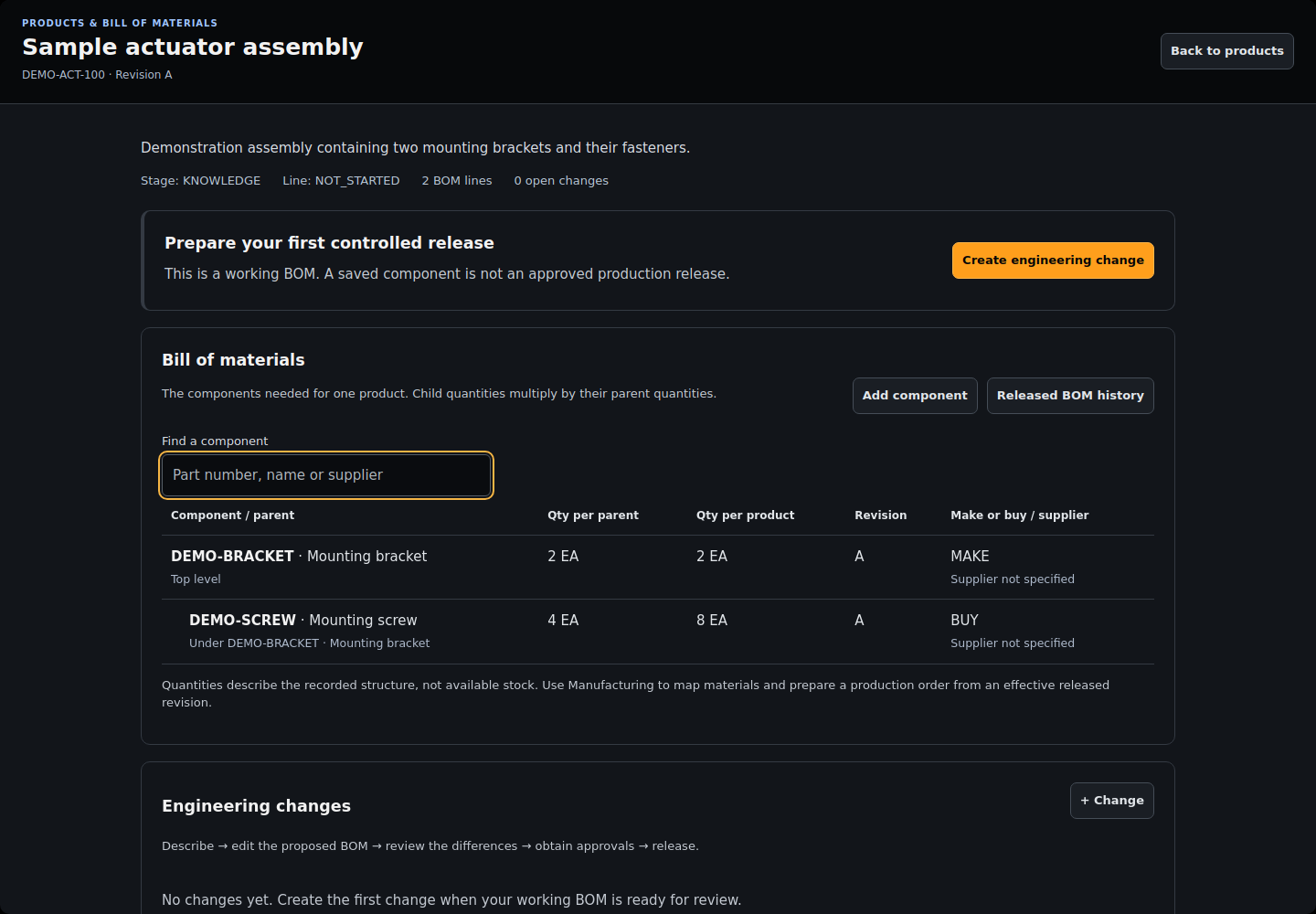
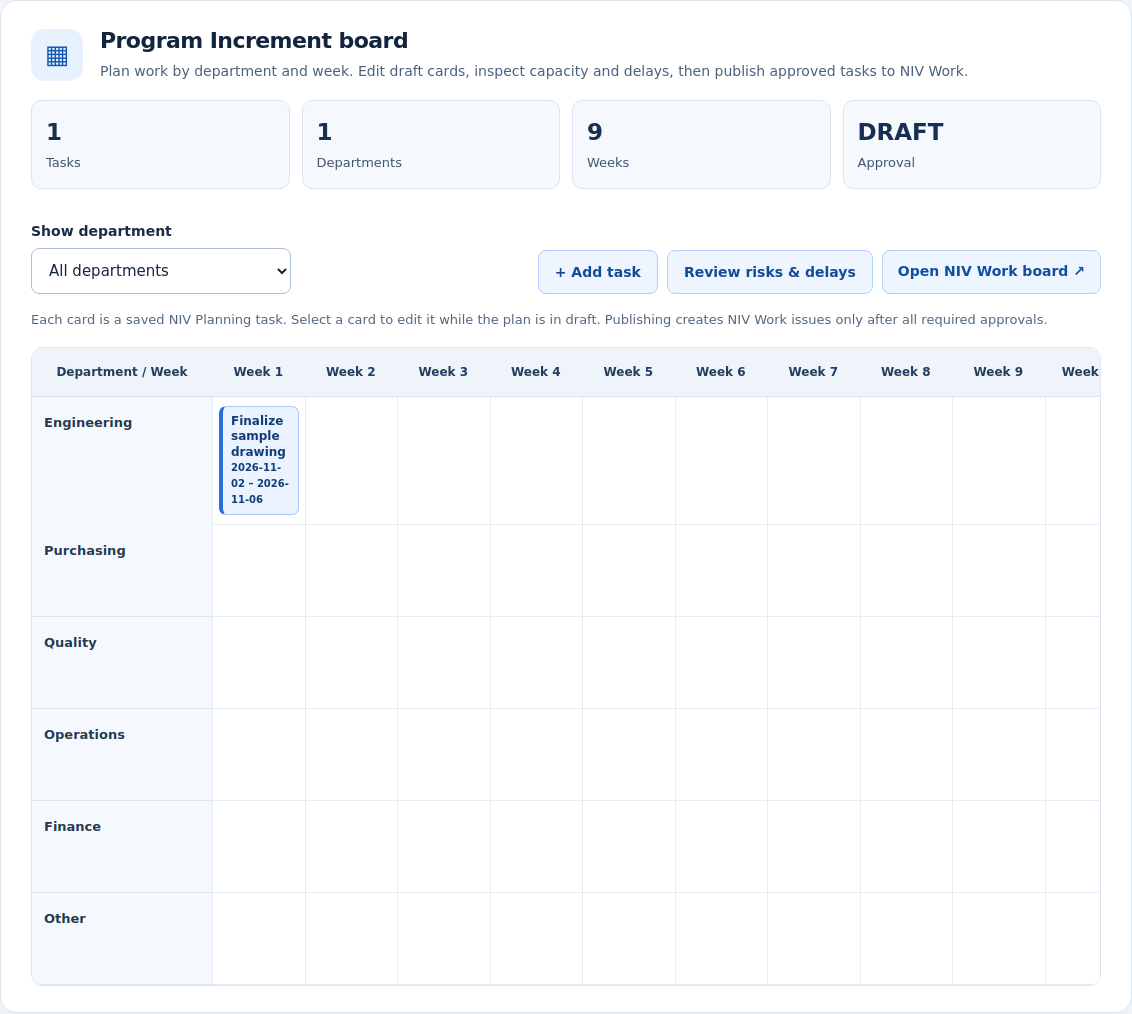
Screenshots show demonstration records, not customer data. The screens available to your team depend on your plan, setup and permissions.
NIV gives the follow-up a place to live, so the team can see what has been recorded and who needs to act.
Record the order reference, the missing parts and what your team knows so far.
Create a follow-up task, choose its owner and set a date to check back.
Add the confirmed date and supporting message to the work. The reviewer can then decide the next step.
Example workflow. Your team enters or imports the information. NIV does not know why a delivery is late until that information is recorded.
Inspection, containment, root cause, corrective action and independent verification.
PLM & QUALITYProduct records, BOMs, requirements, supplier impact and approval gates.
FINANCE & PROCUREMENTPO and receipt matching, supplier/currency checks and linked quality cases.
NIV WORK SUITEWork, Boards, Knowledge, Strategy, Discover and Status.
PROCEDURESControlled SOPs, instructions, evidence and approval history.
SUPPLIER EVIDENCESupplier files, review notes and operating evidence.
These are current NIV pilot modules and examples, not proof that every integration, manufacturing ERP function or regulated workflow is customer-certified. Sample visuals are explicitly illustrative.
NIV is a shared place for a business to manage its work, product details, suppliers, quality issues and supporting records.
Our starting focus is manufacturing, engineering and distribution businesses with around 30–100 people, especially teams coordinating work through spreadsheets and email.
Yes. Excel Data Hub accepts supported .xlsx trackers and lets teams work with records, owners, dates and status. Files must be within the published size and sheet limits; macros and protected files are not supported.
No. Start with one process. Existing software connections need separate setup, and the supported data varies by provider.
Not automatically. NIV is being introduced through pilots: a small, agreed trial of the work your team needs. We confirm the features, setup and support with you. Planned improvements are listed separately on the roadmap.
Request a demo and tell us what you track today. We will confirm a time and show how the relevant screens fit your work. Sending the form does not book a meeting automatically.